Glaz LineScan-I-Gen2 with dual CMOS sensor for Visible and NIR spectroscopy
The LineScan Dual (Glaz LineScan-I-Gen2 with dual CMOS sensor) integrates two CMOS line-scan cameras into a single enclosure, enabling simultaneous reference and pump-probe measurements with <13 mm sensor separation. Deterministic triggering and shot-by-shot acquisition allow precise time-resolved analysis and improved signal fidelity. Ultra-low-noise 16-bit resolution, FPGA-based processing, and lossless compression provide reliable, repeatable measurements. Multi-camera synchronization and seamless integration with Glaz photodiode digitizers simplify complex optical setups, making the dual system an essential tool for ultrafast spectroscopy and advanced optical experiments.
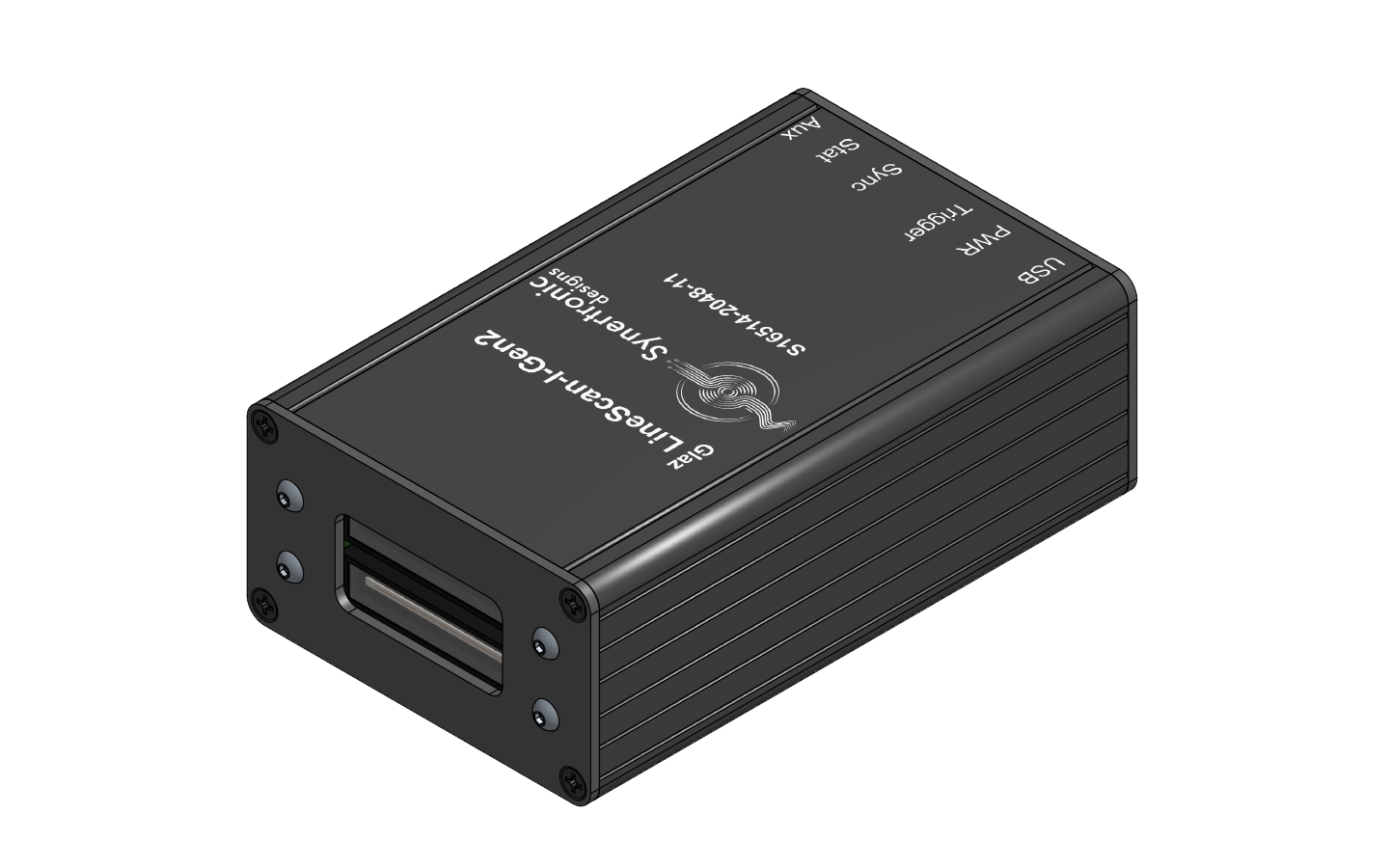
Additional sensors available on request
Version 13.4
Glaz UI is a graphical user interface for Windows (XP, Vista, 7, 8, 10 and 11) and is available as freeware. It connects to Glaz LineScan cameras via USB ports. With an easy-to-use interface, Glaz LineScan cameras can be configured in single-camera or multi-camera mode. Glaz UI provides a platform to test calculation scripts and camera performance.
Note: The correct USB driver must be installed. If the target PC is not connected to the internet, it is advisable to download and install the USB driver under the DRIVERS tab.
Version 9.24
The API consists of a C-style library to communicate with Glaz LineScan cameras. The API is provided as:
Windows DLL for 32-bit and 64-bit applications
Linux SO for 64-bit applications
The DLL/SO can be integrated into Python, C#, .NET, Matlab, Java and any programming environment that supports bindings to C-style libraries.
Note: The correct USB driver must be installed. If the target PC is not connected to the internet, it is advisable to download and install the USB driver under the DRIVERS tab.
LabView driver 9.23
The LabView driver provides VIs based on the API DLL. The driver is available for both 32-bit and 64-bit LabView.
USB driver
If the target PC is not connected to the internet, it is advisable to pre-install the USB driver by downloading and installing the USB driver below.
Our instruments are designed to integrate seamlessly into complex experimental setups. Beyond the standard configuration, a range of solutions can be included.
These solutions are optional and tailored to your experimental needs.
Requirements for custom mounts, software features, API integration, or OEM solutions can be specified at the time of order.
Our engineering team will follow up to define specifications, ensure integration, and provide cost transparency.
All support requests are subject to our Terms & Conditions.
.png)